
Listen Your Way
Great Songs, One Click or Voice Command Away
Stream Real Life Radio online or ask your smart speaker to play it. Find your favourite way to tune in and enjoy the music wherever you are.
How to Listen in Your Browser
Follow these four steps to find the live stream and start listening on your device.
1
Open Your Browser
Launch a web browser on your phone, tablet or computer and make sure your device is connected to the internet.
2
Go to the Website
Type realliferadio.uk into the address bar and wait for the Real Life Radio website to load.
3
Find the Live Player
Open the Listen page and look for the live radio player below for its play button.
4
Press Play and Turn It Up
Select play, allow a moment for the stream to start, then set a comfortable volume on the player or your device.
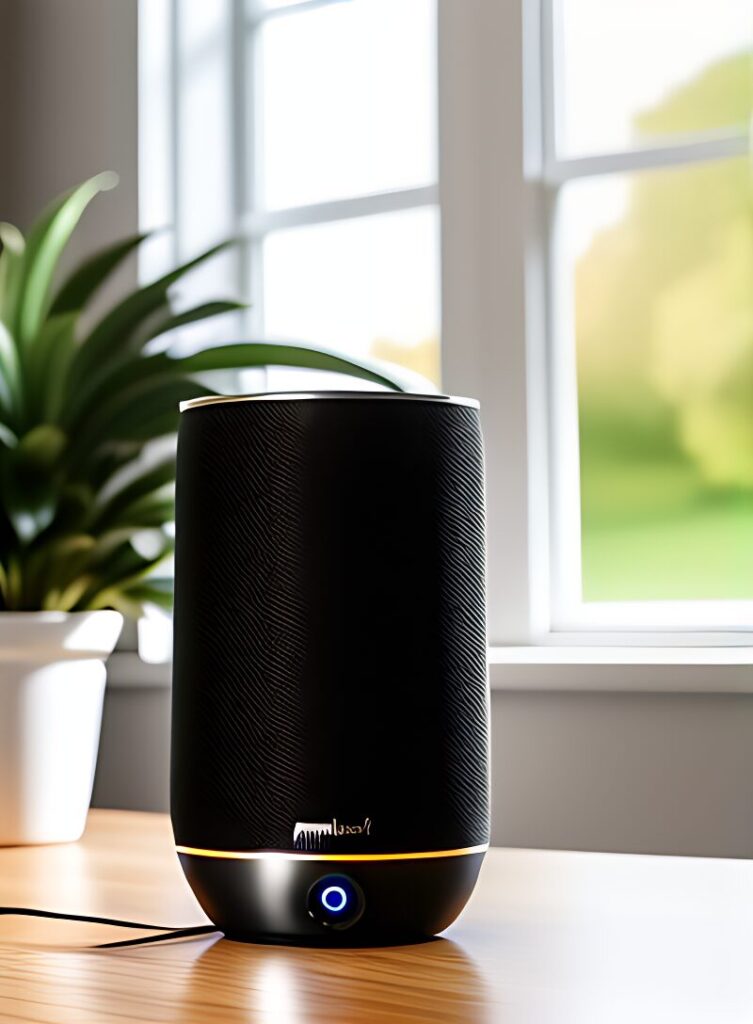
Ask Your Speaker to Play Real Life Radio
Step 1
Step 1: Make sure your compatible smart speaker is connected to the internet and ready to listen. Then head to Amazon by clicking here and enable the Skill
Step 2
Step 2: Say your speaker “Alexa play Real Life Radio.” Say the full station name clearly.
Step 3
Step 3: Once the stream starts, ask your speaker to turn the volume up or down and enjoy the music.